MongoDB
MongoDB is a popular, open-source, NoSQL database management system that falls under the category of document-oriented databases. Unlike traditional relational databases, MongoDB does not store data in tables with fixed schemas.
It uses a flexible document model in which data is stored in JSON-like documents with dynamic schemas, known as BSON (Binary JSON). This allows for greater flexibility in data representation and supports faster development and iteration.
What can you do with MongoDB in Custify?
- You will be able to retrieve People, Events, and Companies from your MongoDB data warehouse
- You will be able to easily map your source data to Custify’s designated data objects, and use these events in the same way as the ones that would come from your own backend. That means you’ll be able to segment your customers, define lifecycles or create playbooks based on calculated metrics using these data points.
Depending on the geographical location of your data (Germany, Ireland or US), you will need to whitelist a list of IPs before activating the data warehouse:
Frankfurt business:3.123.52.1563.67.152.22418.159.43.17018.194.219.2193.74.25.43 Ireland 34.253.103.15, 176.34.236.120, 54.73.1.213 | US business:3.142.88.1818.188.66.1843.19.0.1973.140.205.1813.140.83.245 |
|---|
Activation
1. Sign in to Custify and navigate to the Integrations page.
2. Select the Data Warehouse integration.
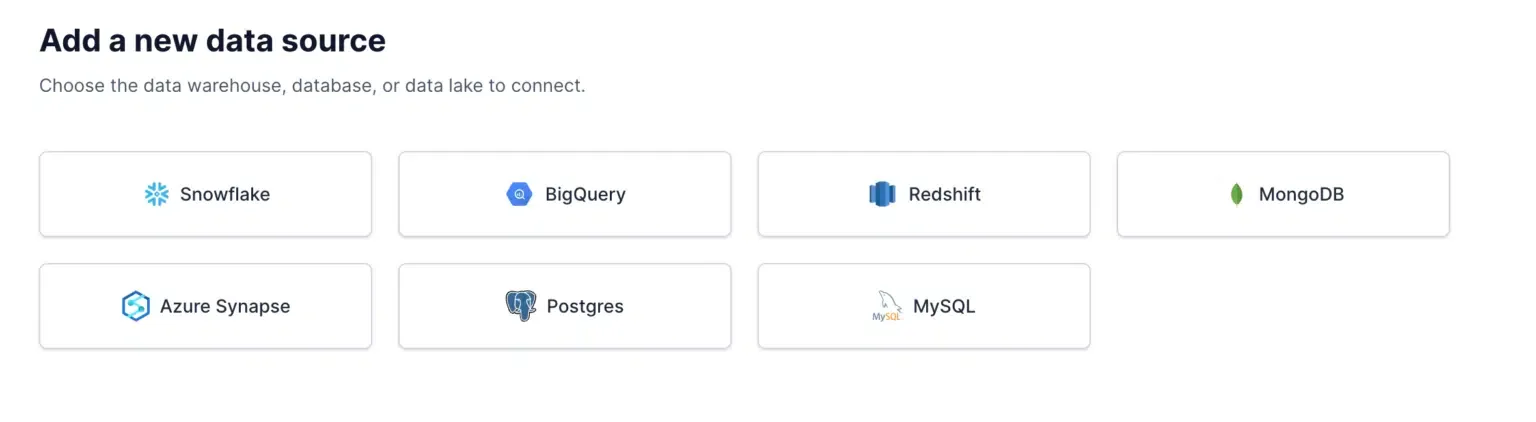
3. Click New Sync and then New Source, and select BigQuery.
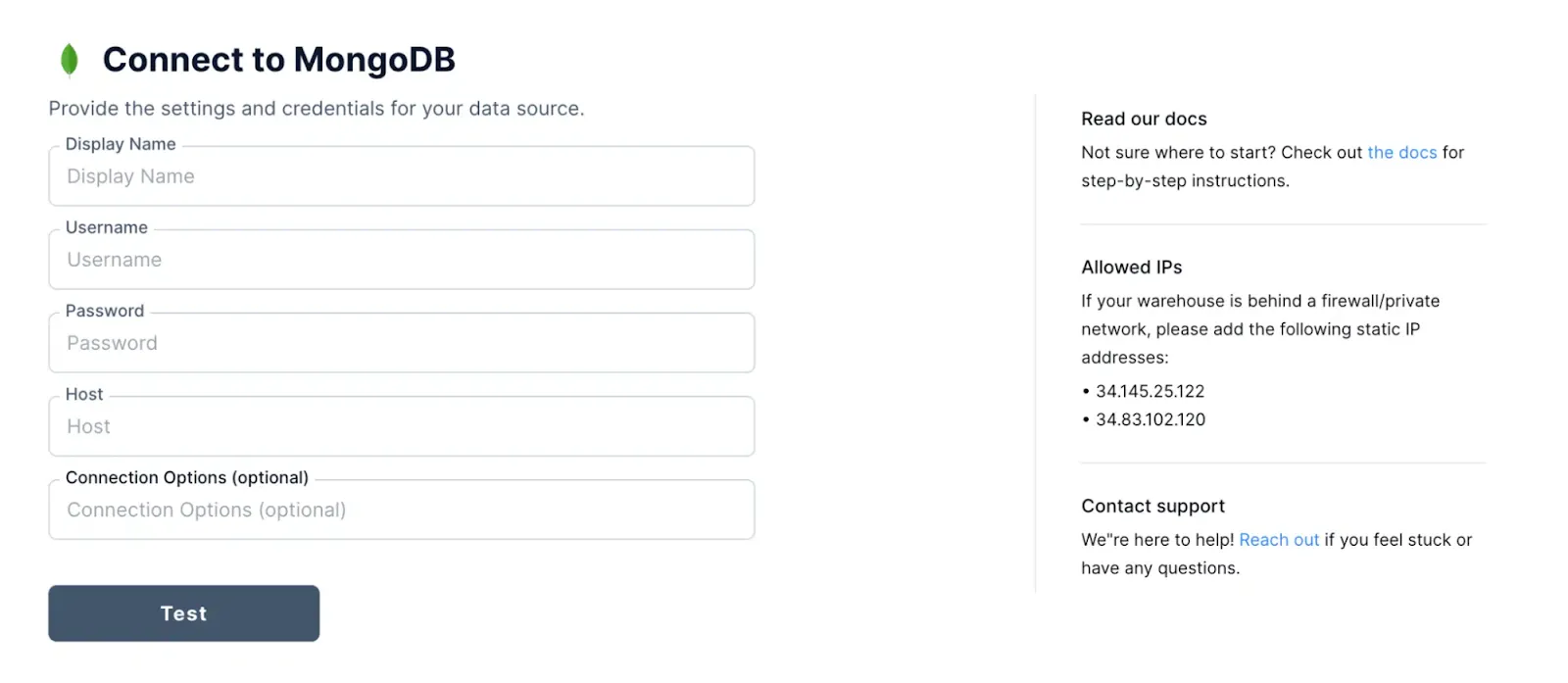
4. Fill in your connection information.
- We recommend creating a dedicated user for Custify to access your MongoDB database. It must have access to the database you want to connect to Custify. Here is an sample of how to create a user with access to a particular MongoDB database:
db.createUser({
user: “your_user”,
pwd: “********”,
roles:[{role: “read” , db:”your_database”}]
});
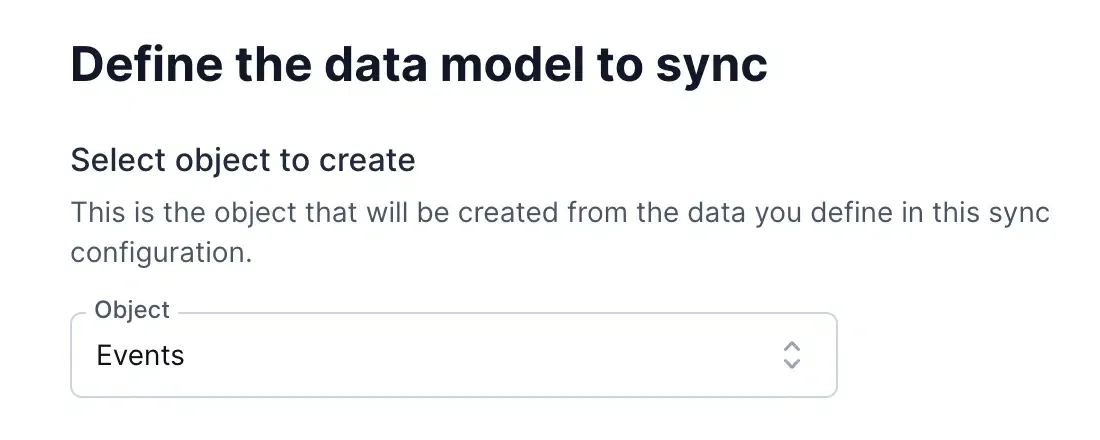
5. Select which Custify object you want to create from your data: People, Events, or Companies.
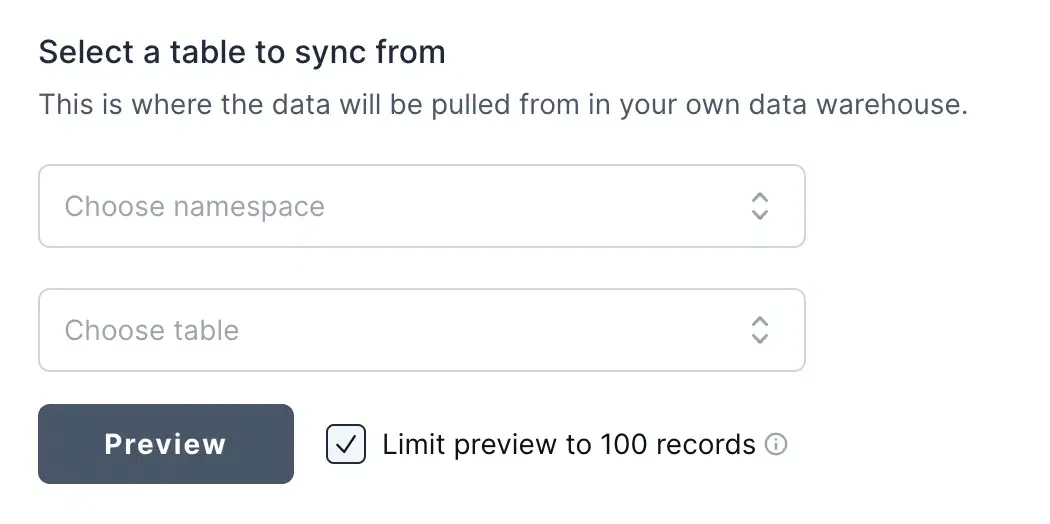
6. Select the source data in your MongoDB data warehouse. Then, select the namespace and table in your data warehouse that contains the source data.
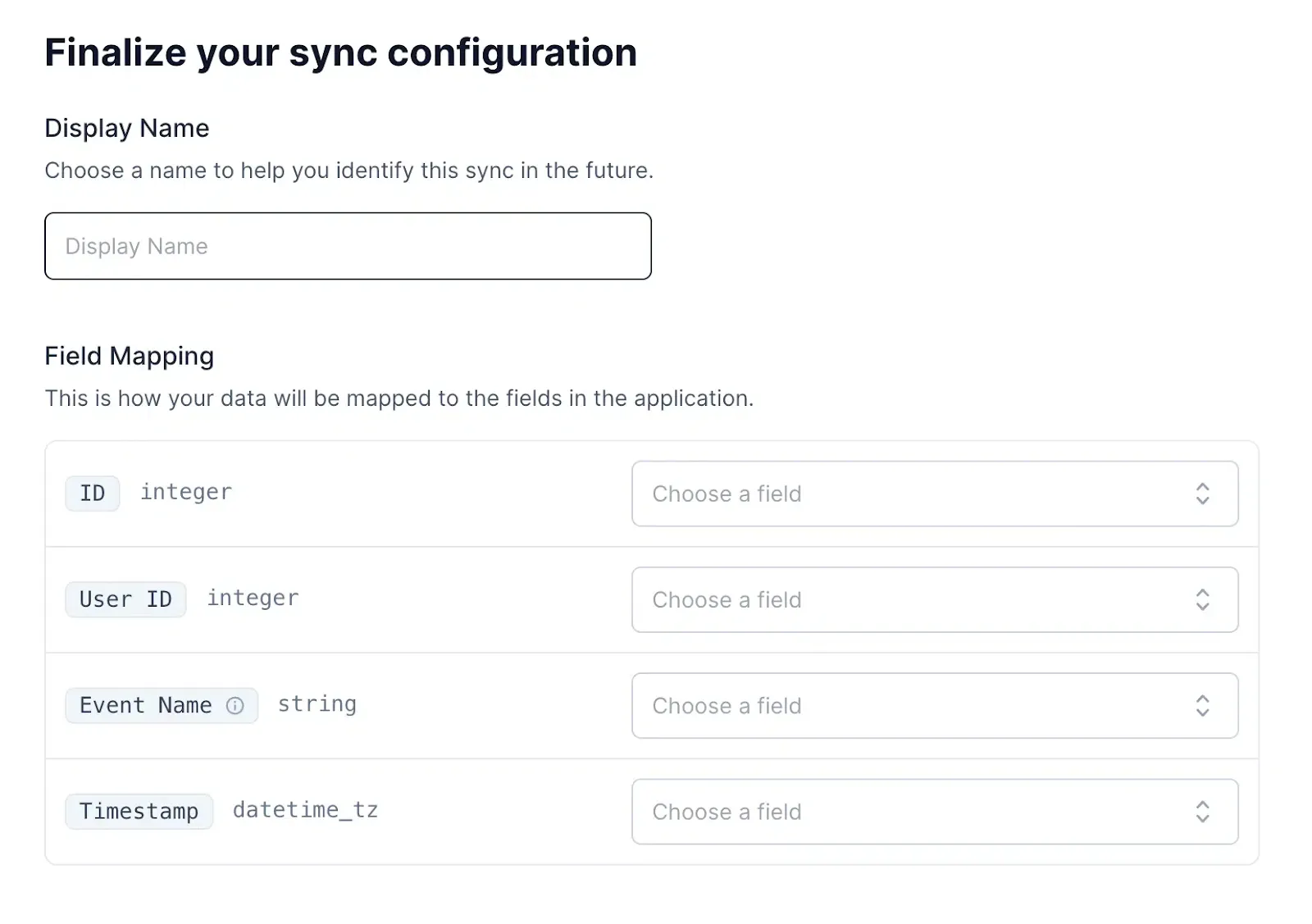
7. Map the fields in your source data to the fields expected by Custify.