How do I enable two-factor authentication?
1 min
In order to enable the two-factor authentication in Custify:
- Access Settings ➡️ My Account
- Under the section Two-factor authentication, click Enable 2FA
- Download a two-factor authentication application (E.g., Authy, Google Authenticator, etc.)
- Use the application to scan the QR code that appears in Custify
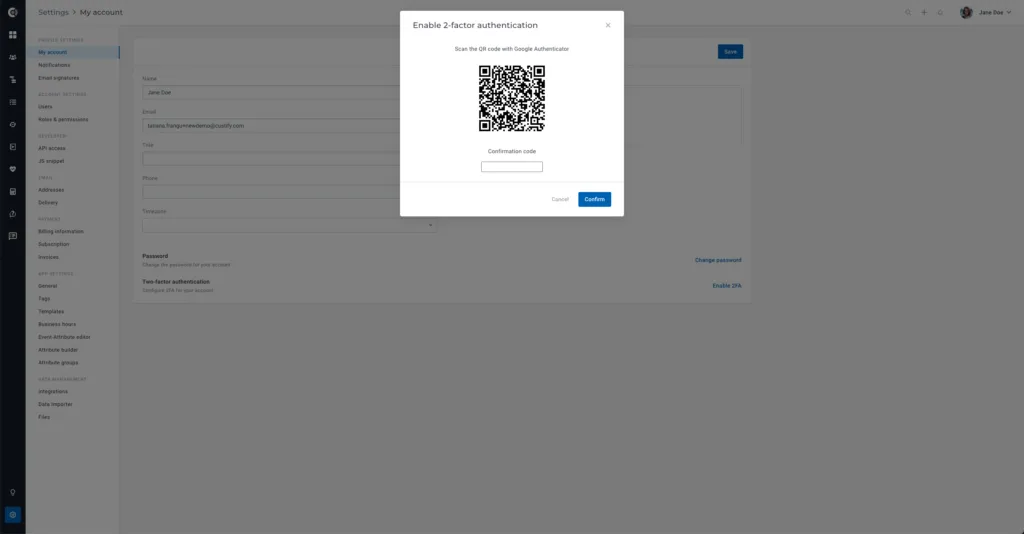
5. Once you scan the QR code, you will receive a confirmation code in the app. Enter the code in Custify to validate the authentication.
6. Once the 2FA is enabled, you will receive the following message:
Custify Tip: If you need to change the device the 2FA is enabled on (for example, if you get a new device), contact your dedicated CSM through Slack or email.