Normalized Metrics
Tracking how many events happened in a given period of time can be a very important KPI. However, without using the Normalized Metrics, the numbers can be delusive.
In the example below, the Health Score is based on the login events that occurred in the last 30 days, where 0 is the worst value and 10 is the best value.
The intervals are defined as follows:
- Red (bad) — Less than 3 logins in the last 30 days (0, 1, or 2 logins)
- Yellow (average) — between 3 and 6 logins in the last 30 days (3 up to 5 logins)
- Green (good) — more than 6 logins in the last 30 days (6 included)
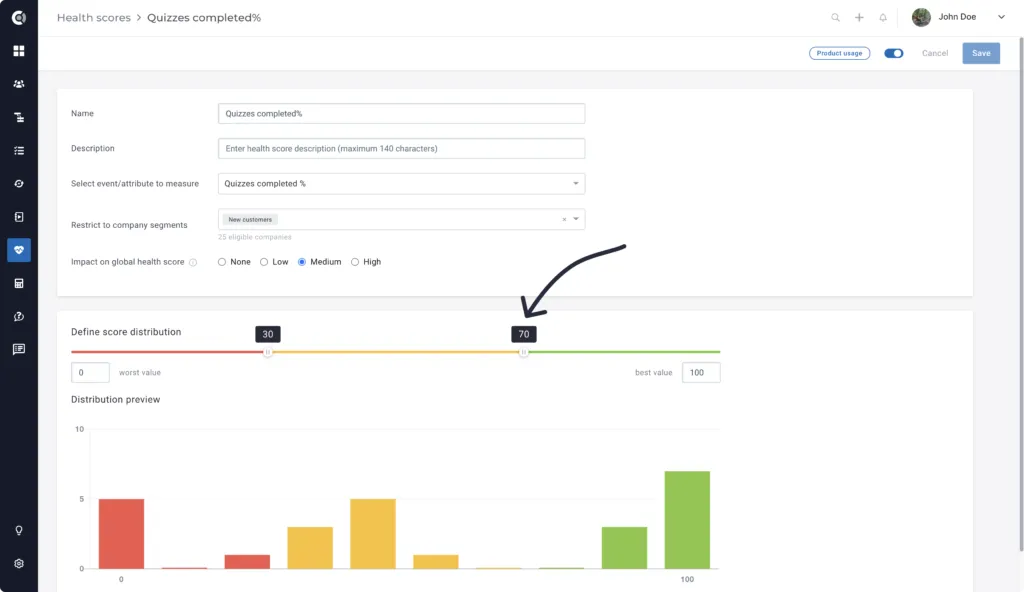
The login is generated by people assigned to companies. For instance, if a company has 10 people assigned to it, and those people logged in only once in 30 days, the login count will be 10, so the Health Score will be Green (good).
However, this will not mean that the customer is healthy: 10 people logging in once per month is not necessarily a good sign.
In this case, you need to measure this Health Score by normalizing and dividing the total number of logins that occurred in the last 30 days by the total people count.
This will show the average number of logins per person for a better understanding of how often the people assigned to a specific company are logging in.
To do so, create a Calculated Metric Login Normalized, which will count the total number of login events in the last 30 days (using the Add events functions).
Then, divide this number by the default metric, called People Count.
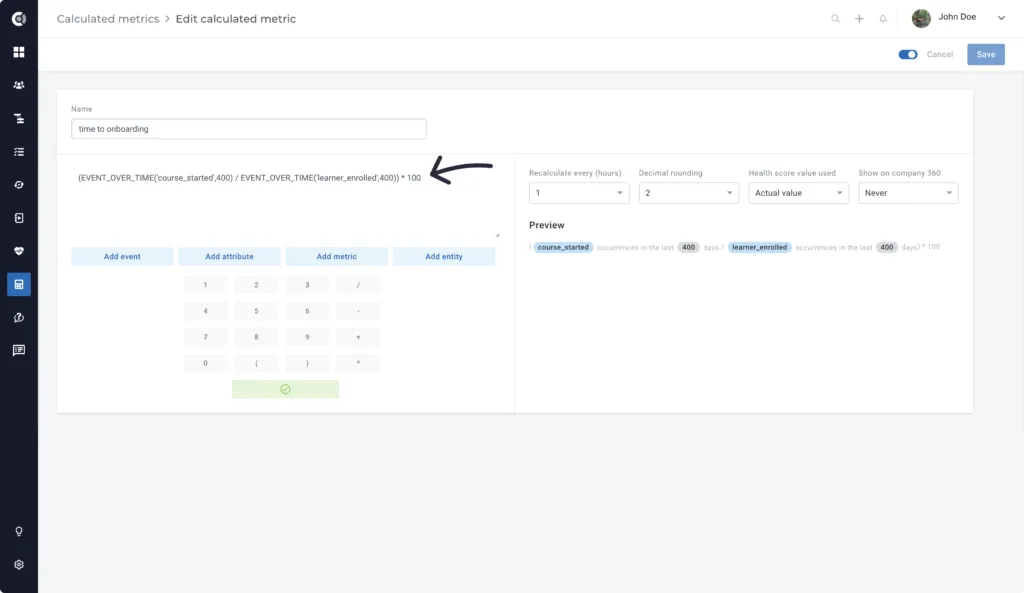
Finally, build a new Health Score called Login Normalized using the new metric to calculate the real login activity per company, depending on the people count.