How to “unchurn” a company?
If you have mistakenly marked a company as churned or the customer has returned, and you want to “unchurn” them (by changing the “churned” attribute from “True” to “False”), you can do so with the following steps.
To perform this action, you will need to create a playbook:
- Trigger: Manually started
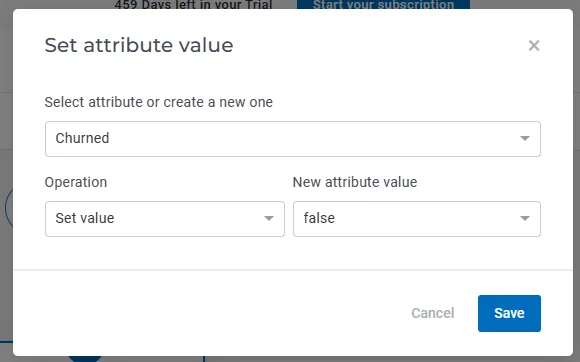
- First step – Set Attribute value; Select the attribute that you want to populate, “Churned”, and the new value, “false”.
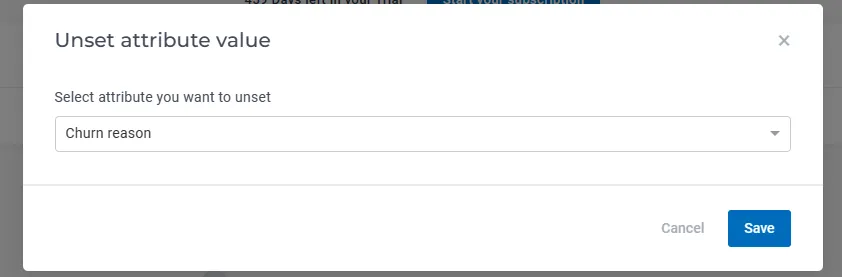
3. The second playbook step, “Unset attribute value”, will remove the value for the “Churn reason” attribute (that was previously populated when you marked the customer as churned.
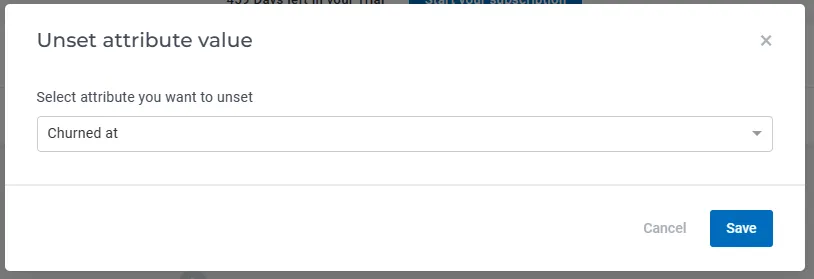
4. The third playbook step, “Unset attribute value”, will remove the value for the “Churned at” attribute (that was previously populated when you marked the customer as churned.
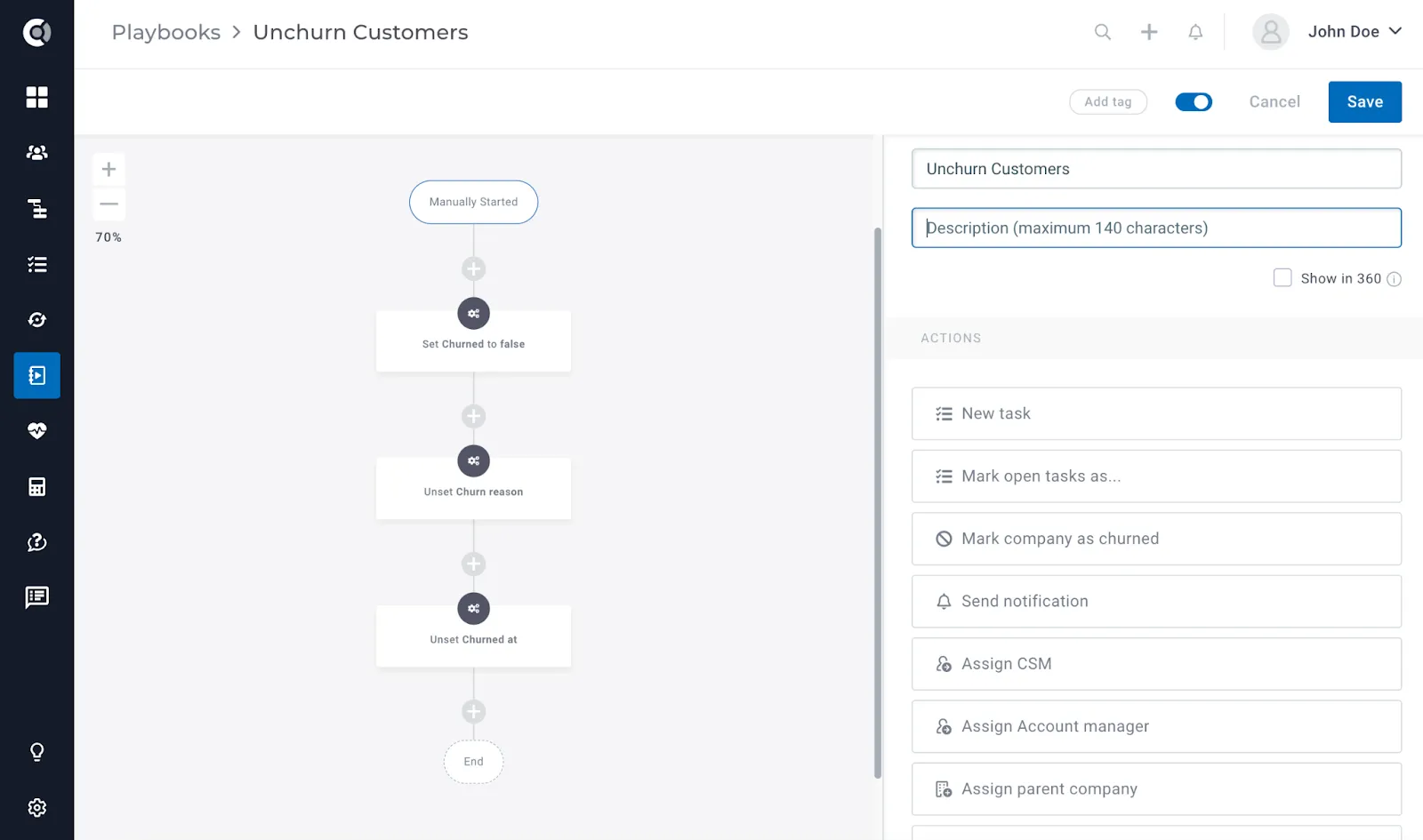
How the final structure will look like:
After saving the playbook, simply add the company to the playbook by accessing the Company 360 view -> Click on Action -> Add to playbook.
Observation! If you want to know how to mark a company as churned, check this article.