How often are metrics recalculated?
1. Default Custify Metrics
Most standard Custify metrics (e.g. Active Users Yesterday, Active Users in the last 7 days, Active Users in the last 30 days, etc.) are recalculated once a day.
This is part of a sequence that starts at ~12:00 AM in the account time zone. The duration of the sequence depends on the number of metrics that need to be recalculated, the number of companies for which they need to be calculated, etc.
These metrics calculate the number of active users in the last day/7 days/30 days and are not a rolling calculation. The numbers are calculated for the exact timeframe that you define. For example, even if the metric is recalculated at 01:00 AM on a given day, the Active Users Yesterday metric only captures the number of users who generated events between 12:00 AM and 11:59 PM the day before.
There are other default Custify metrics that are recalculated at an action. These include Nr. of notes, Open tasks, Overdue tasks, Last added note at, Last touchpoint, Last added CSM ratings, etc. These metrics are updated in real-time as you add notes, tasks, CSM ratings, etc.
2. Calculated Metrics
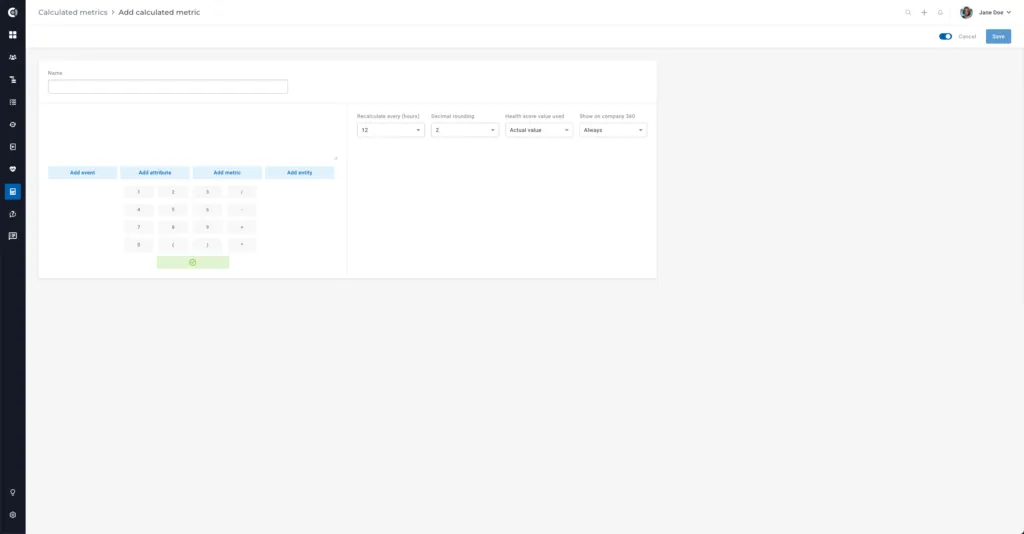
For Calculated Metrics that you create, the recalculation interval depends on how you set it when you created the metric. You can choose whether the key figure should be recalculated every 1 hour, 6 hours, 12 hours, or 24 hours.
3. Health Scores
Health Scores are recalculated once a day — they are part of a sequence that starts at ~12:00 AM (account time zone) and includes Calculated Metrics, Health Scores, and Dashboards. The duration of these recalculations depends on the amount of data needed, the number of companies, etc.
4. Dashboards
Dashboards are recalculated once a day — this is part of a sequence that starts at ~12:00 AM (account time zone) and includes Calculated Metrics, Health Scores, and Dashboards. The duration of these recalculations depends on the amount of data needed, the number of companies, etc.
Recalculation of a widget can be triggered manually by clicking on the three dots on the right side of the widget and selecting Regenerate data.
Note, however, that the values are not updated if the widget is based on Health Scores or Calculated Metrics (since the health values and metrics keep the same values).