How do I enable the Gmail integration?
Enabling the Gmail integration in Custify will allow Custify users to sync their own Gmail addresses, so they can send emails directly from Custify and have the emails mapped on the Customer 360° Profile.
Integration Guide
The first step of the integration is to ask your Google Workspace admin to follow the steps in the Google Workspace Integration Guide. The admin will need to change the API Permissions to allow the integration with Custify.
After completing this, all you have to do is to let us know using one of our communication channels (Slack or email), so we will enable your Google Workspace integration from our backend.
To check if the integration was enabled, simply go to Settings ➡️ Integrations ➡️ Gmail integration.
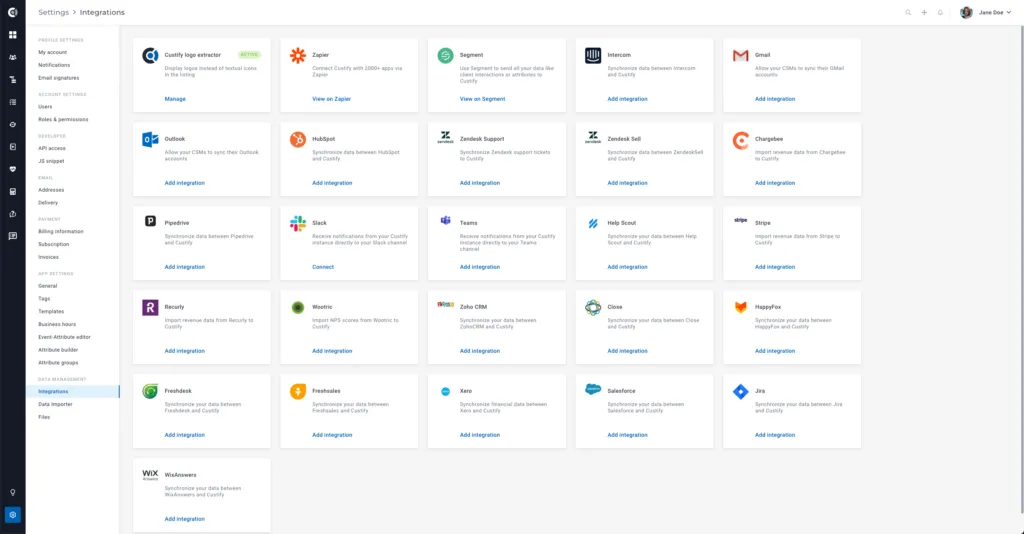
Connecting Accounts
Once the Gmail integration is enabled, each Custify user will have to manually connect their accounts to Custify on their account page.
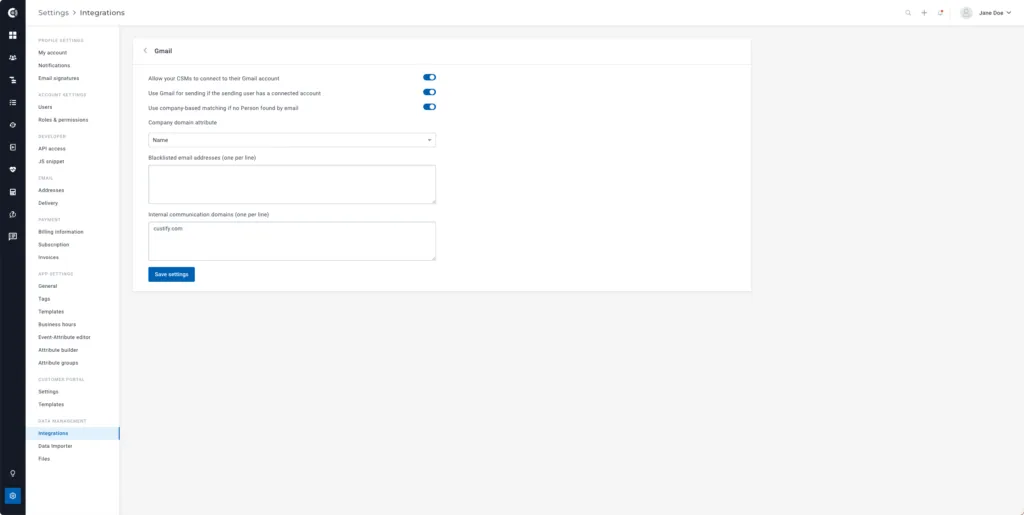
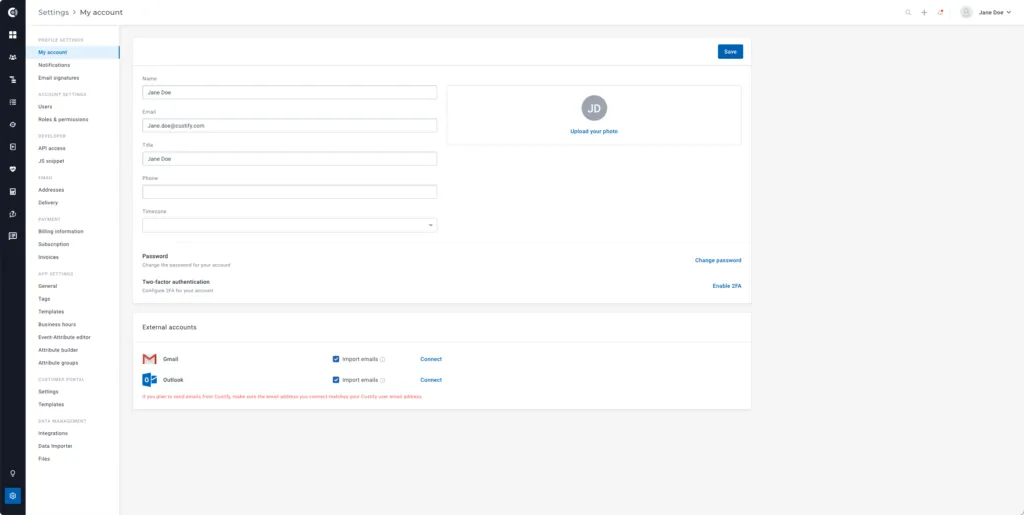
When connecting the Gmail account, the “Import email” option is enabled by default. This means that after connecting the account, the integration will check your last 10,000 emails (from inbox and outbox) and map them in Custify by email address of the sender/recipient, as long as that email address is associated with a person in Custify. If you only want to send emails through Gmail, but not import communication, you can uncheck the “Import emails” box before the first connection.
Once the mailbox is successfully connected, the users will be able to send emails from Custify through their Gmail account and have the emails synced between Gmail and Custify. For example, the emails you send from Custify will appear in your Sent folder in Gmail as well.
Custify Tip: The user’s Gmail address has to match the Custify user email address for the mapping to be successful. Once the integration is enabled and the mailboxes are synced, the existing conversations will also be imported and mapped on the customers’ profiles based on the email address, but not more than 10,000 emails.
Managing the Gmail Integration
The Gmail integration with Custify is customizable according to your needs. For example, you can let CSMs connect their Gmail accounts to Custify, send emails from Custify (if this option is turned off, the only purpose of the Gmail integration will be to import emails), and add blacklisted email addresses or internal communication domains.
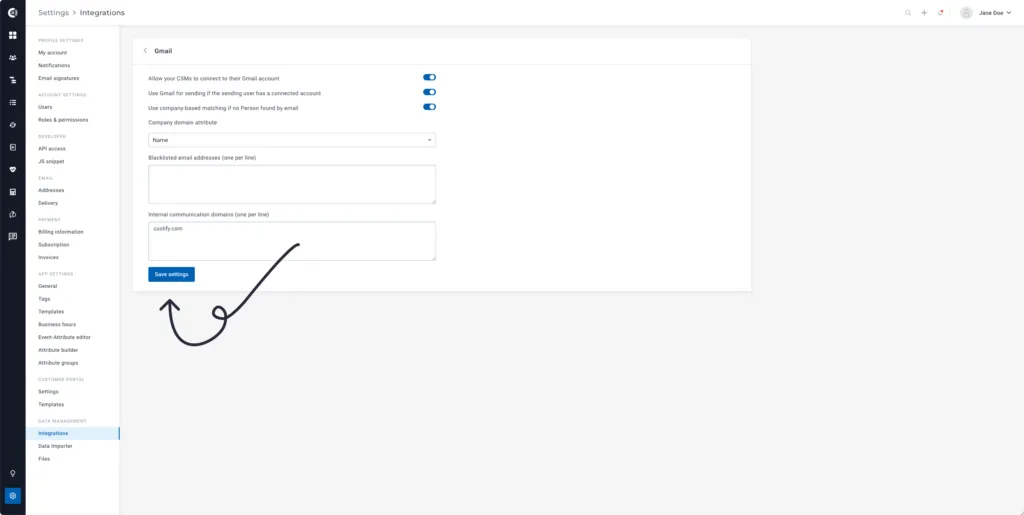
Custify Tip: Make sure you list all your internal domains in the Internal communication domains field. The Gmail integration will automatically exclude from sync the emails exchanged between email addresses on internal domains for privacy reasons. (e.g. emails exchanged between two CSMs).
You can also enable company domain matching. If you want to import all emails exchanged with a specific customer, but you don’t have all the people stored in Custify, you can import the emails based on the company domain. Select the domain attribute, and the integration will search for all emails exchanged by Custify users through that domain.