MySQL
MySQL is an open-source relational database management system (RDBMS) that is widely used for managing structured data. It was originally developed by MySQL AB and later acquired by Oracle Corporation. MySQL is one of the most popular database systems in the world due to its simplicity, reliability, and scalability.
What can you do with MySQL in Custify?
- You will be able to retrieve People, Events, and Companies from your MySQL data warehouse
- You will be able to easily map your source data to Custify’s designated data objects, and use these events in the same way as the ones that would come from your own backend. That means you’ll be able to segment your customers, define lifecycles or create playbooks based on calculated metrics using these data points.
Depending on the geographical location of your data (Germany, Ireland or US), you will need to whitelist a list of IPs before activating the data warehouse:
Frankfurt business:3.123.52.1563.67.152.22418.159.43.17018.194.219.2193.74.25.43 Ireland 34.253.103.15, 176.34.236.120, 54.73.1.213 | US business:3.142.88.1818.188.66.1843.19.0.1973.140.205.1813.140.83.245 |
|---|
Activation
1. Sign in to Custify and navigate to the Integrations page.
2. Select the Data Warehouse integration.
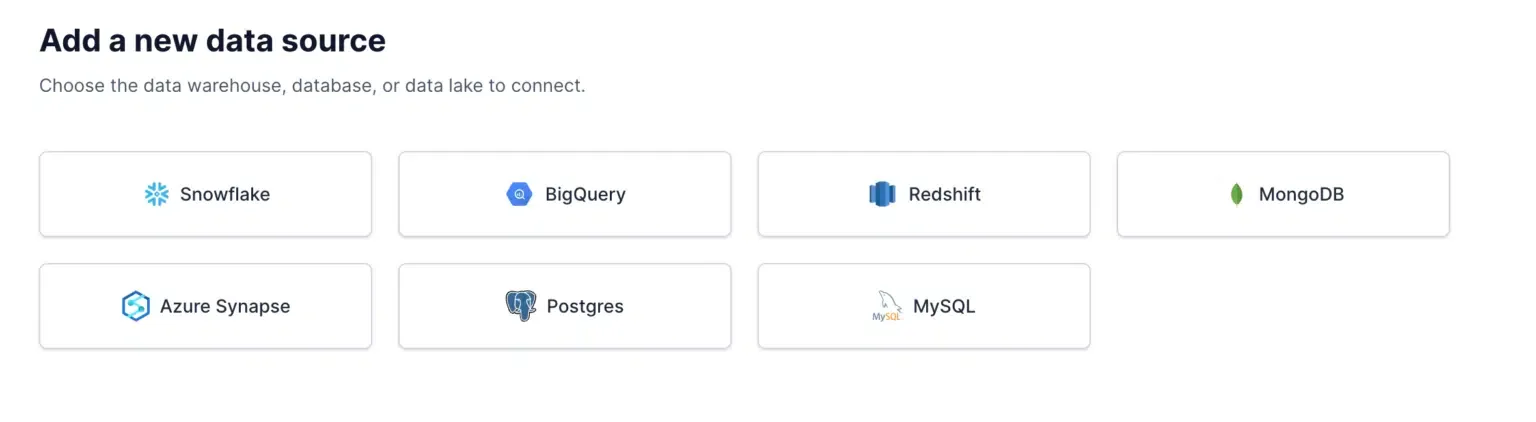
3. Click New Sync and then New Source, and select MySQL.
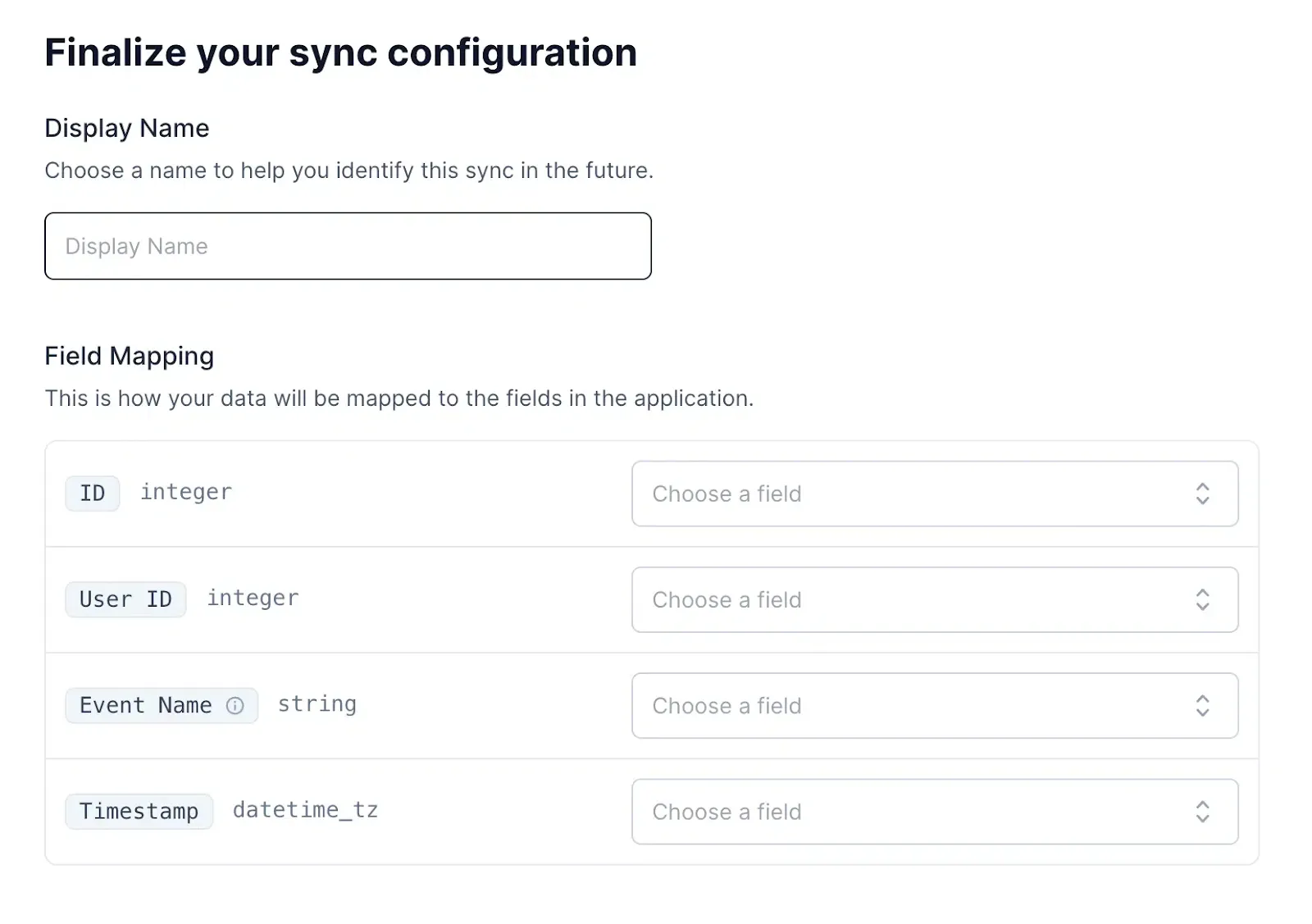
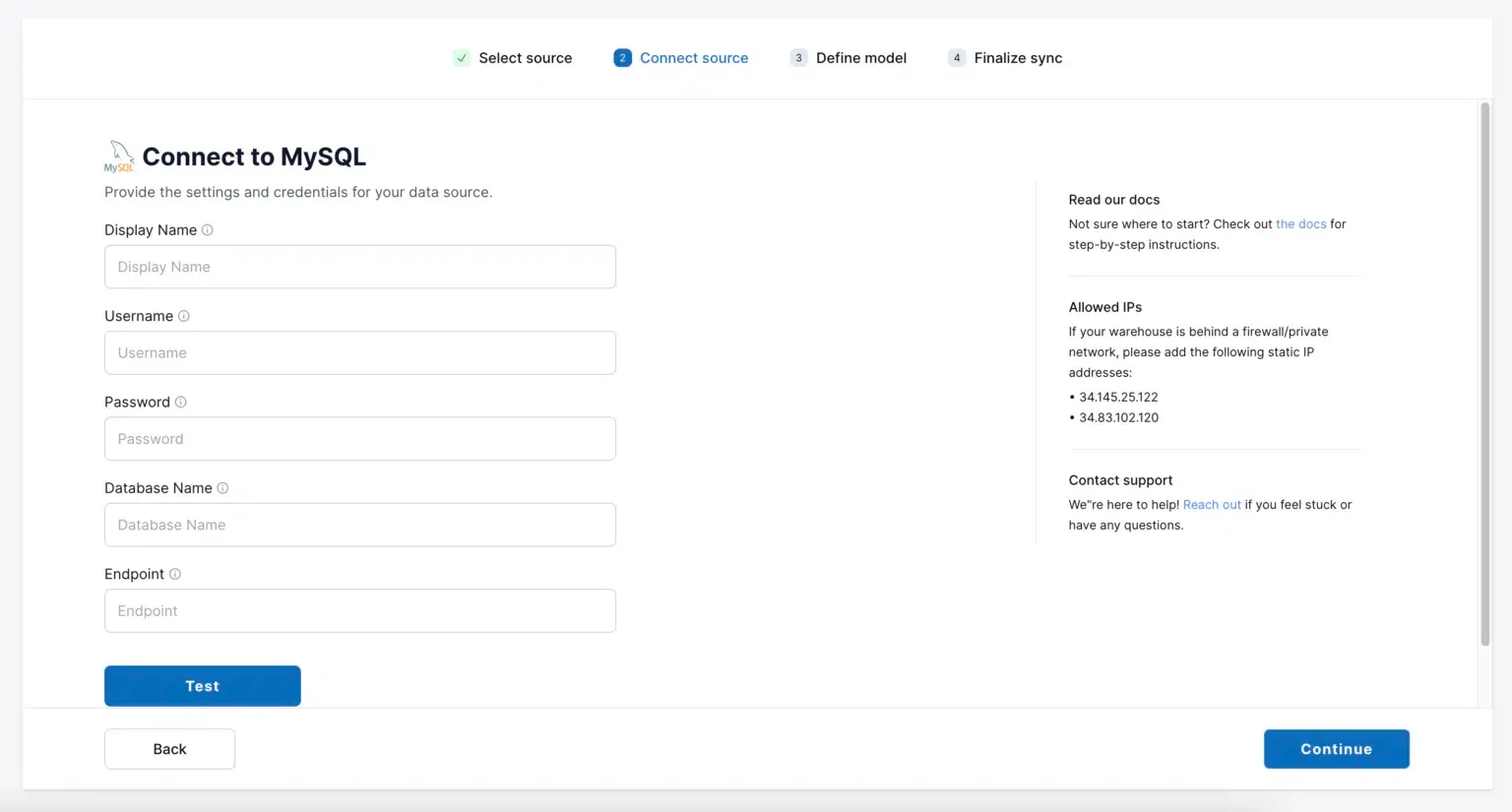
4. Fill in your connection information.
We recommend creating a dedicated user for Custify to access your MySQL data warehouse. The user must have access to the tables you want to connect to Custify.
Here is a sample of how to create a user with access to a specific table:
CREATE USER <your_user> PASSWORD ‘********’;
GRANT SELECT ON TABLE <your_table> TO <your_user>
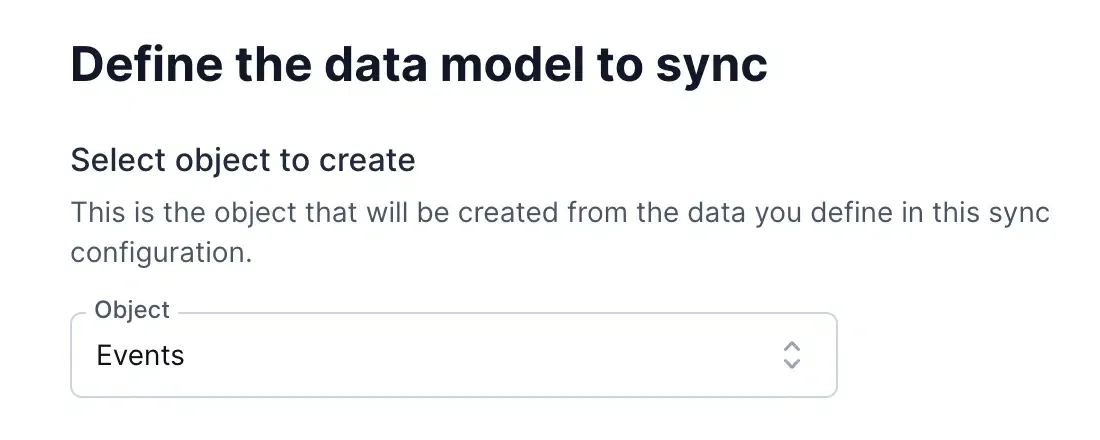
5. Select which Custify object you want to create from your data: People, Events, or Companies.
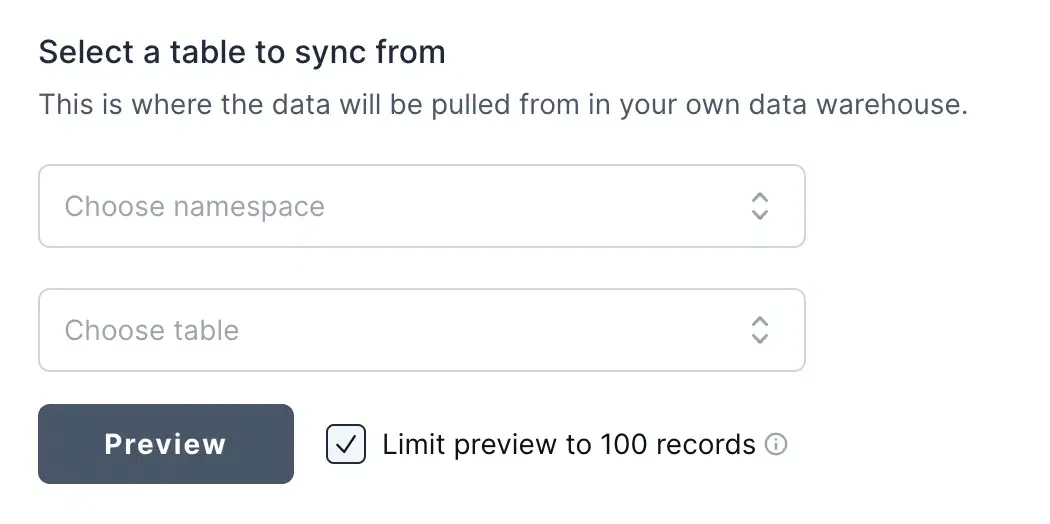
6. Select the source data in your MySQL data warehouse. Then, select the namespace and table in your data warehouse that contains the source data.
7. Map the fields in your source data to the fields expected by Custify.