Product updates | January 20th, 2022
With our release of today, we have several updates for you:
Company List View
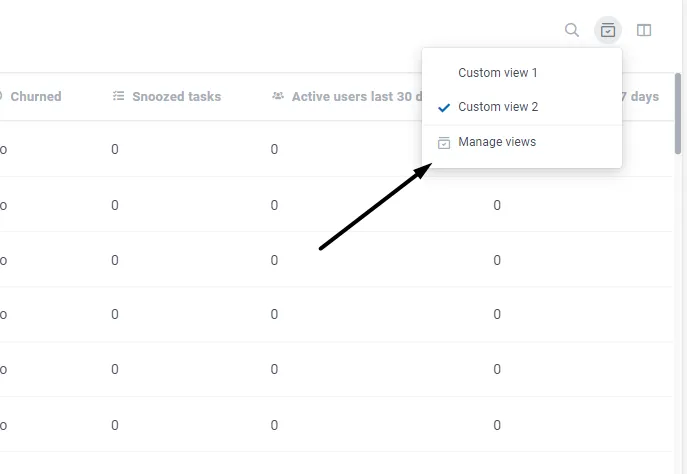
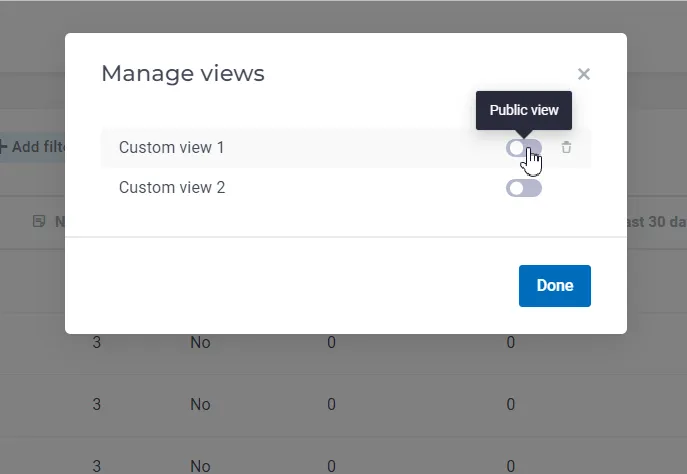
- Public list views: the list views that users create can now be turned into Public Views, so other colleagues can see them too. In order to be able to create a Public View, you have to have a separate permission, which is on by default for admins. Once marked as “Public”, the view becomes visible for all the users.
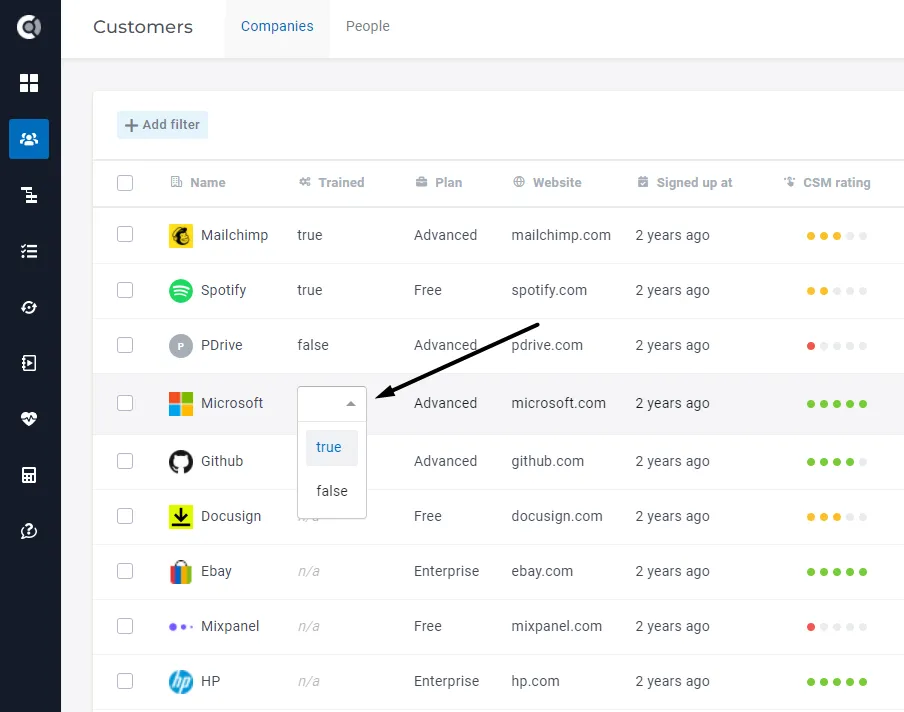
- Editable attributes can now be changed directly in the company list view.
Companies 360° Profile
Historical CSM Ratings can now be edited (each user can edit his own ratings).
Tasks List
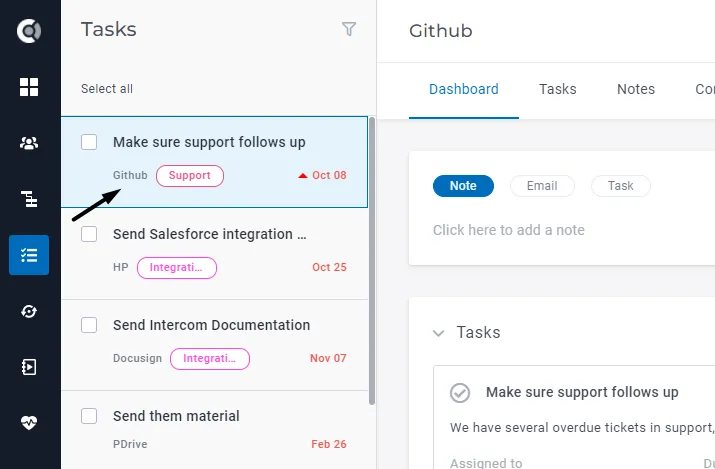
The name of the company is now clickable on each task, so you can open the company’s profile in a different tab.
Playbooks
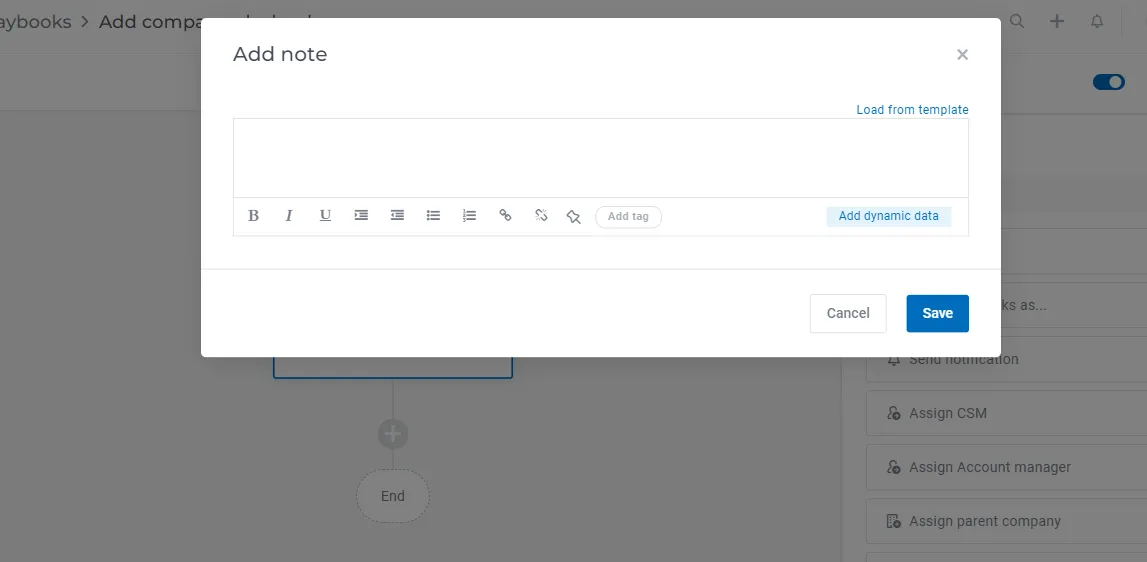
Enhancements for notes in playbooks: you can now upload dynamic data inside the notes generated through playbooks, and also use upload notes’ templates.
Dashboards
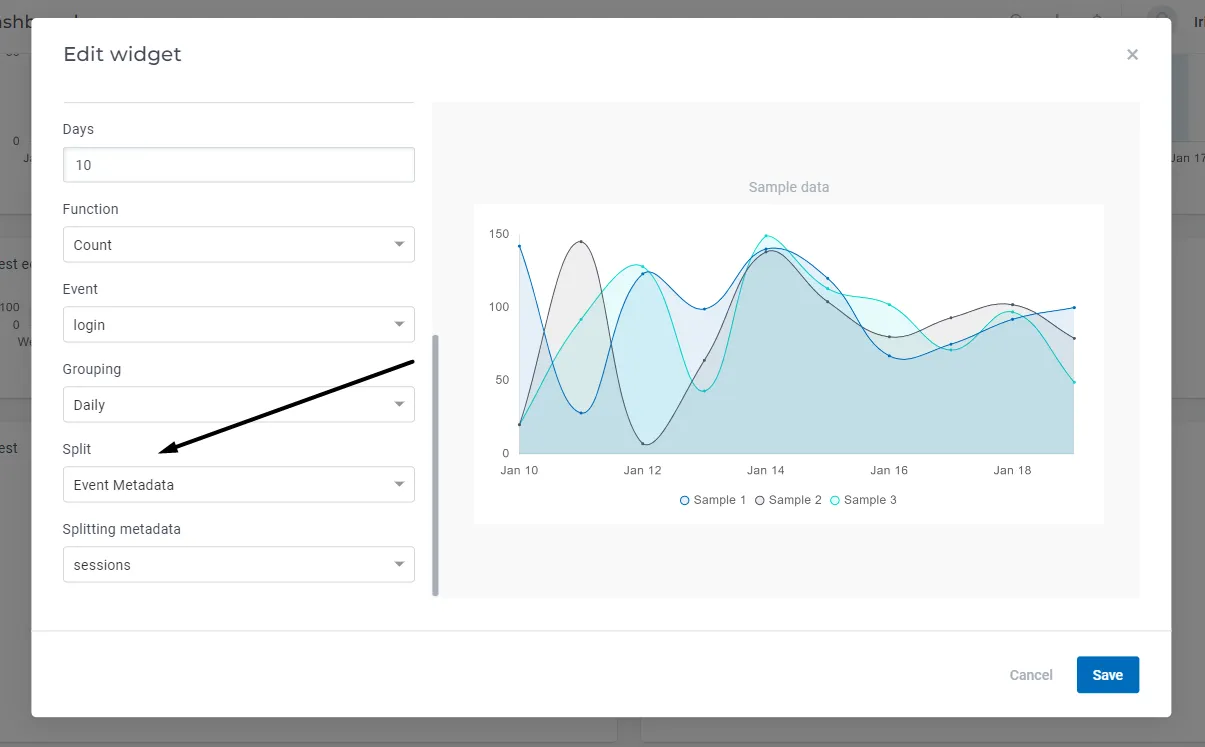
New splitting option inside company/data evolution widgets: split by event metadata. The widget will return the events’ count evolution for each metadata value.
Surveys
When exporting the survey responses in a .csv file, the company name will also be available.
Settings
- Dynamic data
- When inserting dynamic data in emails and tasks, the system will detect when the
- Save templates (for emails or tasks)
- Save company or people playbooks
- Send emails manually to companies or people (360° profile)
- Send emails in bulk to companies or people (List view)
- Save tasks
2. Dynamic data fallback values
In order to add a fallback value, use |default:”there” after the attribute. Example: {{people:First name|default:”John”}}.
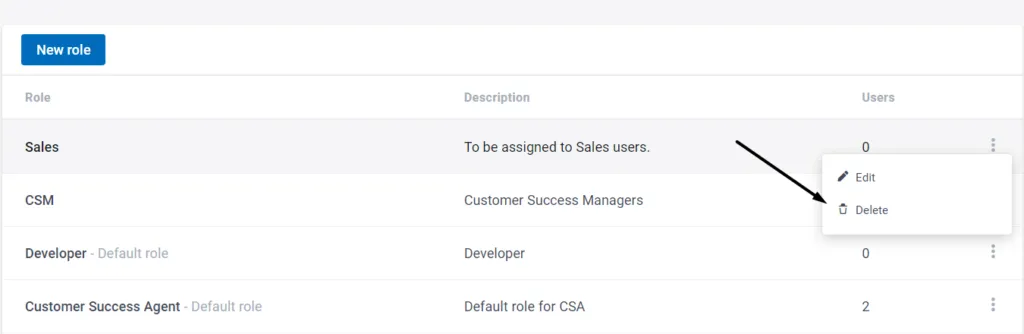
3. Unused custom roles can now be deleted from the Account Settings – Roles and permissions section.
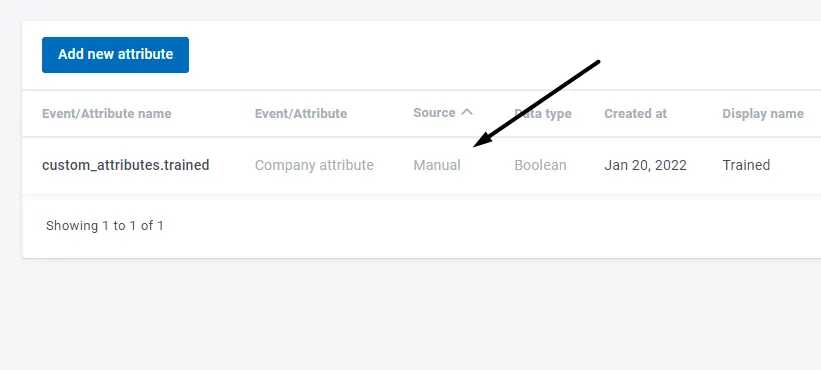
4. A new source type is available in the Event-Attributes Editor, displaying the source “Manual” for manually created attributes (the ones that are created from now on, not retroactively).
API Improvements
- Public tickets API endpoints;
- Public Batch API endpoints.