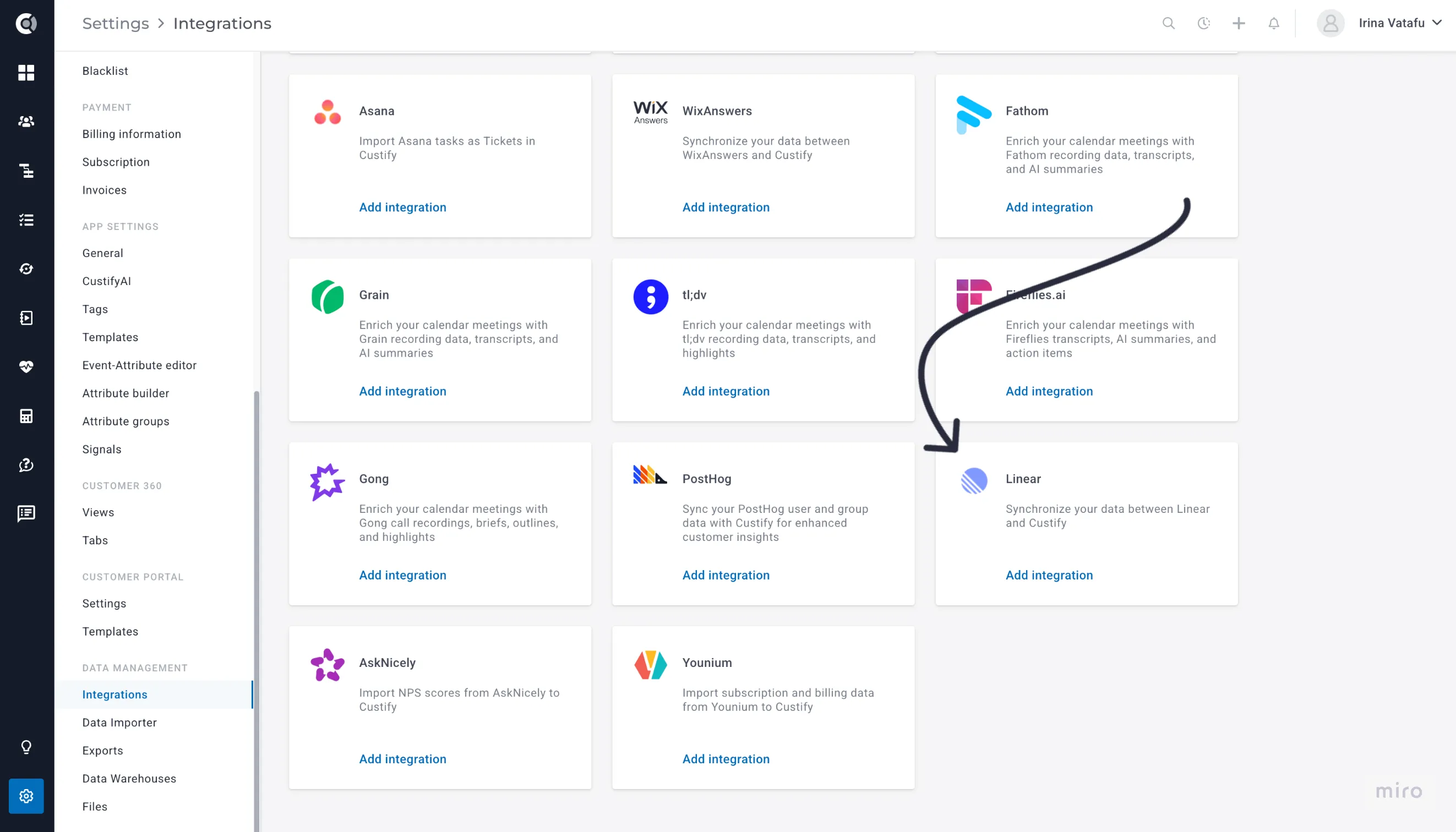
Linear
The Linear integration imports your Linear issues into Custify as Tickets, allowing you to track customer-reported bugs, feature requests, and project work alongside your customer success data. Issues are matched to Custify companies through Linear's Customers feature and to contacts via assignee email.
Key benefit: Know which customers are affected by open issues and use issue counts in health scores, segments, and playbooks.
What This Integration Does
- Imports all Linear issues as Tickets in Custify, including status, priority, assignee, labels, and comments
- Matches issues to companies via Linear Customers or domain matching
- Matches issues to contacts by assignee email
- Imports issue comments for full conversation context
- Creates Ticket tags from Linear labels, team names, and project names
- Computes per-company ticket metrics automatically
- Supports real-time updates via Linear webhooks (optional setup required)
Data Synced from Linear
Linear Field | Custify Ticket Field | Notes |
|---|---|---|
Identifier (e.g. ENG-42) | External ID | Unique issue reference |
Title | Title | |
Description | Description | Markdown format |
State name | Status | e.g. In Progress, Done |
Priority label | Priority | Urgent, High, Medium, Low, or None |
Assignee name | Assigned to | |
Created date | Opened at | |
Updated date | Last modified at | |
Comments | Ticket replies | With author and timestamp |
Labels | Tags | Linear labels become Ticket tags |
Issue URL | Metadata | Direct link back to Linear |
Company Metrics
After each sync, Custify calculates these metrics per company:
- Linear Total Tickets - total Linear tickets linked to the company
- Linear Open Tickets - tickets in backlog, unstarted, or in-progress states
- Linear Urgent/High Tickets - open tickets with Urgent or High priority
Before You Begin
Make sure you have the following before connecting Linear to Custify:
- An active Linear workspace with issues to import
- For best matching results, use Linear's Customers feature to link issues to customer accounts before setting up the integration
- Admin or integration settings access in Custify
How to Set Up the Integration
Step 1: Connect Linear via OAuth
- In Custify, go to Settings → Integrations
- Find Linear in the list and click Connect to Linear
- You will be redirected to Linear to authorize Custify
- Grant the requested permissions and click Authorize
- You will be redirected back to Custify with the connection established
Step 2: Configure Import Settings
- Toggle which data to import:
- Issues (enabled by default)
- Comments (enabled by default)
- Label Tags, Team Tags, Project Tags (optional)
- Click Save settings
Step 3: Run Your First Import
Click Trigger first import to start the initial sync. Custify will import all issues from your Linear workspace and match them to companies and contacts.
Step 4: Set Up Webhooks (Optional, Recommended)
Webhooks give you real-time updates whenever issues are created, updated, or commented on in Linear.
- Copy the webhook URL shown in the Custify integration settings
- In Linear, go to Settings → API → Webhooks and click New webhook
- Paste the Custify webhook URL
- Select Issues and Comments as resource types
- Save the webhook, then copy the signing secret from Linear
- Paste the signing secret into the Webhook secret field in Custify and save
How Matching Works
Company Matching
- Linear Customer link - If the issue has a Linear Customer attached, Custify matches by the customer's external ID or company name
- Domain matching - If the Linear Customer has domains configured, those are matched against Custify company website domains
Contact Matching
- Assignee email - The issue assignee's email is matched against Custify contacts (case-insensitive)
- Company derivation - When a contact is matched, their associated companies are also linked to the Ticket
Issues that cannot be matched to any company or contact in Custify are skipped during sync.
Sync Types
Full Sync - Imports all issues from your Linear workspace. Runs on initial activation and can be triggered manually.
Update Sync - Only imports issues modified since the last sync. Runs automatically on a regular schedule.
Webhook (Real-time) - Receives instant notifications from Linear when issues change. Requires the optional webhook setup described above.
Troubleshooting
Issues Not Importing?
- Confirm Linear shows as connected in Custify - if the OAuth token expired, disconnect and reconnect
- Check matching - issues only import if they match a Custify company or contact. Make sure your companies and contacts exist in Custify first
- Use Linear's Customers feature to link issues to customer accounts for reliable matching
Webhook Not Working?
- Verify the webhook URL in Linear matches the one shown in Custify
- Confirm Issues and Comments are selected as resource types
- Check that the signing secret matches between Linear and Custify
- Use Linear's webhook delivery status page to check if events are being sent
Missing Tickets?
- Unmatched issues are skipped - ensure companies and contacts are imported first
- Archived issues are not imported by default
- Run a full sync from integration settings if the incremental sync missed something
Privacy and Security
The integration uses OAuth 2.0 authentication with read-only access to your Linear workspace. No source code, private workspace data, or sensitive information is accessed - only issue metadata.
OAuth tokens are stored encrypted and can be revoked at any time from Linear's settings. Webhook signatures are verified to ensure only authentic Linear events are processed.
Only users with Custify integration permissions can configure the connection.