Google Sheets™
Google Sheets is one of the most widely used tools for reporting, forecasting, and ad hoc analysis. Customer Success, Revenue Ops, and leadership teams rely on spreadsheets for QBR decks, board reports, renewal tracking, and account planning.
Customer Success Managers use Google Sheets to:
- Build custom renewal trackers
- Prepare QBR reports with live customer metrics
- Monitor risk scores across portfolios
- Combine Custify data with billing or support data
- Create executive summaries for leadership
The Custify Google Sheets Integration allows CSMs to fetch company and people data directly into a spreadsheet using built-in formulas. No API knowledge required. If you can write a basic formula, you can pull Custify data.
Working with Custify Data in Google Sheets
The integration provides direct access to Custify company and user attributes within Google Sheets. With this setup, users can:
- Retrieve company data such as name, MRR, ARR, churn date, and custom attributes
- Access Risk Score and Health Score values
- Track contract end dates for renewal management
- Retrieve user-level information such as email, last seen, role, and custom fields
- Build dynamic reports using cell references
- Automatically refresh data without requiring manual exports
Practical Examples
Below are some common use cases where the integration can add value.
- Customer Risk Dashboard Display Company Name, Risk Score, MRR, and Last Contact in one live view.
- QBR Preparation Pull company metrics and contract data into a client-ready document.
- Renewal Tracking Track contract end dates, risk, and revenue in one operational sheet.
- Executive Reporting Combine Custify metrics with finance data to build board-ready dashboards.
- Account Planning Maintain account plans that automatically update with the latest Custify data.
- Churn Analysis Pull churned_at and churn_reason attributes to analyze lost accounts.
How does the integration work?
The integration works through custom spreadsheet formulas that retrieve data from your Custify account. Available functions include:
You can use:
- Standard attributes like name, mrr, arr, created_at
- Custom attributes via dot notation, such as custom_attributes.plan_type
- Health Scores using the metrics.health_scores structure
- Risk Score via custom_attributes.riskScore__custify
Data is cached for 30 minutes to reduce API calls and improve performance. Users can click “Refresh All Data” anytime to pull the latest information.
Each user authenticates with their own API key. Data is not shared externally.
How to activate the integration?
- Open Google Sheets.
- Go to Extensions > Add-ons > Get add-ons.
- Search for Custify Integration.
- Click Install and grant permissions.
The app can be installed directly from the Google Workspace Marketplace.
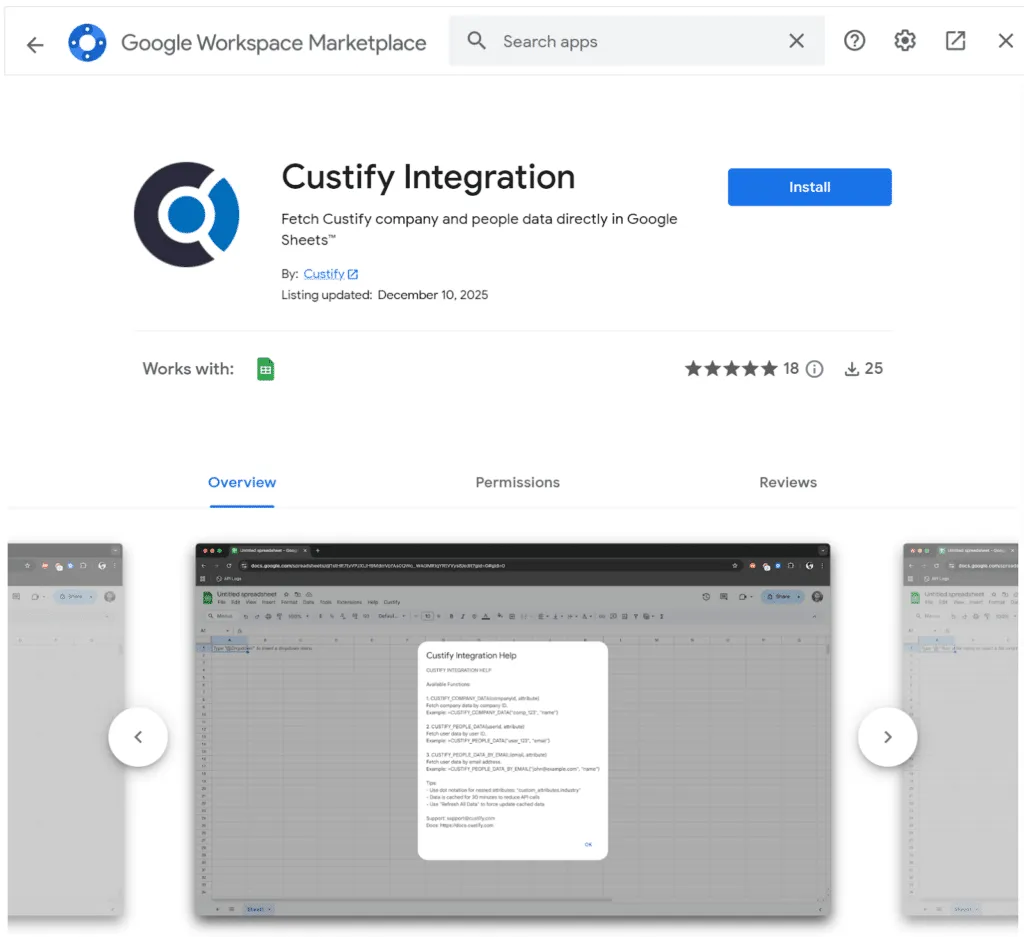
After installation:
- Open a spreadsheet.
- Click Custify in the top menu.
- Select Configure API.
- Enter your Custify API Key from Settings > Developer > API Keys.
- Enter your Base URL, usually https://api.custify.com.
- Save and start using formulas.