Asana
The Asana integration imports tasks from your Asana projects into Custify as Tickets, linking them to the appropriate companies and people. Your Customer Success and Sales teams get full visibility into project work, task status, and workload - all within the Custify 360° customer view.
Key benefit: See all Asana tasks related to a customer directly on their company profile, including open/completed counts, overdue tasks, comments, and tags.
What This Integration Does
Once connected, the Asana integration will:
- Import tasks from selected Asana projects as Tickets in Custify
- Match tasks to companies and people using configurable strategies
- Import task comments as ticket replies, preserving author and timestamp
- Import Asana tags as ticket tags in Custify
- Calculate per-company metrics: total, open, completed, and overdue task counts
- Keep data up to date via scheduled incremental syncs
Data Synced from Asana
Asana Field | Custify Field | Notes |
|---|---|---|
Task name | Ticket title | |
Task notes | Ticket description | HTML preserved when available |
Assignee name/email | Assigned to | Used for person matching if enabled |
Completed / not completed | Ticket status | Open or Completed by default |
Created date | Opened at | |
Due date | Metadata (due_on) | Used for overdue calculation |
Tags | Ticket tags | New tags created in Custify if needed |
Comments (stories) | Ticket replies | Human comments only, not system events |
Custom fields | Metadata | All custom field values stored |
Section membership | Metadata / Status | Can be used as a ticket status |
Permalink URL | Metadata | Direct link back to Asana |
What "Metadata" means
A ticket in Custify has three regions: the header (Owner, Status, Priority, Opened at, Last modified at, Title), the description (the task's notes), and Metadata — a separate object on the ticket record that stores additional fields outside the header and description.
For Asana, Metadata includes the due date (due_on, due_at, start_on), completion info (completed_at, completed), the permalink_url, num_subtasks, parent, project/section membership (memberships), the full custom_fields array, and the comments thread.
Only a subset of these fields currently render on the ticket screen: comment count and last commenter, priority (if a custom field is mapped to it), the description, the comments list, and a "View task in Asana" link built from the permalink. The remaining fields — custom field values, due/start/completion dates, subtask counts, and project/section memberships — are synced and stored on the ticket record end-to-end, but aren't yet surfaced in the UI. They're available for use in tagging, segmentation, or calculated metrics, and can be added to the visible ticket view as a future enhancement if needed.
Company-Level Metrics
After each sync, Custify updates these attributes on each matched company:
- Asana Total Tasks - total tasks linked to the company
- Asana Open Tasks - tasks not yet completed
- Asana Completed Tasks - tasks marked as completed
- Asana Overdue Tasks - open tasks past their due date
These metrics can be used in health scores, segments, playbooks, and dashboards.
Before You Begin
Make sure you have the following before connecting Asana to Custify:
- An active Asana account with access to the projects you want to import
- Admin or integration settings access in Custify
- A clear understanding of how your Asana tasks relate to your Custify companies — this determines which matching strategy to use
How to Set Up the Integration
Step 1: Connect Your Asana Account
- In Custify, go to Settings → Integrations
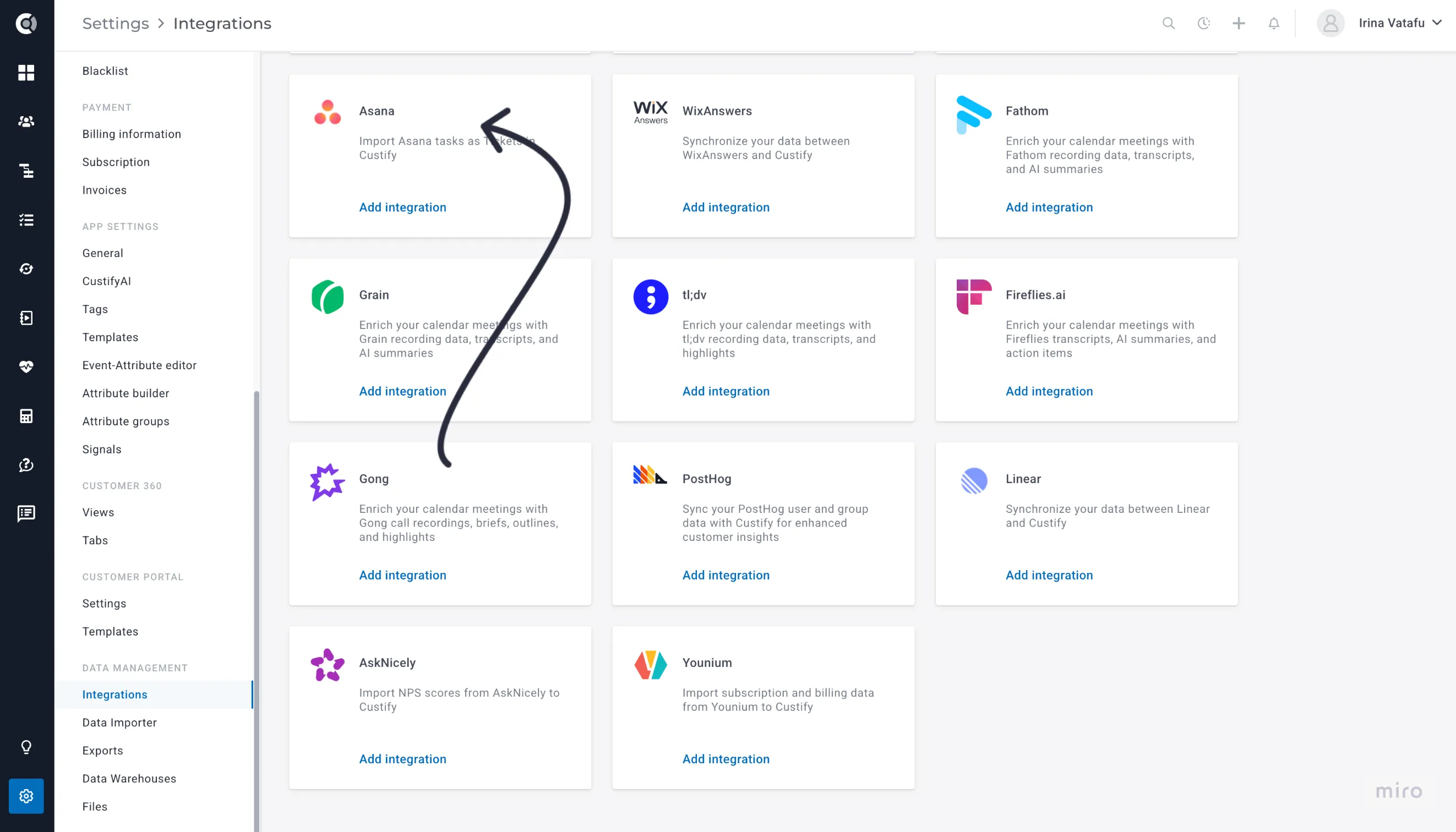
- Find Asana in the list of available integrations
- Click Connect to Asana
- You will be redirected to Asana to authorize the connection
- Log in to Asana if prompted, then click Allow
- You will be redirected back to Custify automatically
Step 2: Select Workspace and Projects
- If you have multiple Asana workspaces, select the one you want to import from
- Choose one or more projects to import tasks from
- Only tasks from selected projects will be imported
Tip: Start with a small number of projects to test the setup before adding more.
Step 3: Configure Entity Matching
This step determines how Asana tasks get linked to your Custify companies and people. Enable one or more of the following matching strategies:
Match companies by custom field - Enable this if your Asana tasks have a custom field containing a Custify Company ID or Company Name. Select the field and choose whether to match on Company ID or Company Name.
Match people by email in a custom field - Enable this if your Asana tasks store a customer email in a custom field. Select the field that contains the email.
Match by assignee email - Enable this if your Asana task assignees are also contacts in Custify. Best suited for setups where customers have Asana accounts.
Match by project-to-company mapping - Enable this if each Asana project corresponds to a specific company. Set the Custify attribute that stores the Asana Project GID for each company.
How to find a project GID: Open the project in Asana — the GID is the number in the URL: https://app.asana.com/0/PROJECT_GID/...
Step 4: Configure Import Options
- Import task comments as ticket replies - imports all human-written comments (enabled by default)
- Import Asana tags as ticket tags - creates matching tags in Custify (enabled by default)
Step 5: Advanced Options (Optional)
- Custom status field - If you use a custom field for granular statuses (In Progress, Blocked, In Review), select it here
- Custom priority field - If you track priority with a custom field, select it to import priority values into Custify tickets
- Use section as status - Enable this to use the Asana board column name (To Do, In Progress, Done) as the ticket status. The custom status field takes precedence if both are configured
Step 6: Trigger Your First Import
- Click Trigger first import to start the initial sync
- The integration will import all tasks from your selected projects
- Depending on the number of tasks, this may take a few minutes
Sync Types
Full Sync - Imports all tasks from selected projects. Runs once on first activation or when triggered manually. Processes all comments, tags, and computes company metrics.
Incremental Sync - Only imports tasks modified since the last sync (with a 2-hour buffer to ensure no tasks are missed). Runs automatically on a schedule and is much faster than a full sync.
Troubleshooting
Tasks Not Importing?
- Check project selection - only tasks from selected projects are imported
- Check matching configuration - tasks that do not match any company or person are skipped
- Verify custom field values - values in Asana must match the Company ID or Name in Custify exactly
- Check integration status - go to Settings → Integrations and confirm Asana shows as connected and active
Wrong Company Linked?
- Check the custom field value - it must exactly match the Company ID or Name in Custify
- Check for duplicates - if multiple companies share the same name or ID, the first match is used
- Review matching priority - company field matching takes precedence over assignee matching
Missing Comments?
- Verify that Import task comments as ticket replies is toggled on
- Only human-written comments are imported - system events are filtered out
- Re-run the sync to pick up comments added after the last sync
Integration Not Syncing?
- Check the OAuth connection - it may have expired. Try disconnecting and reconnecting
- Run a manual sync by clicking Trigger first import
- Contact Custify support with your account details and any error messages
Privacy and Security
Authentication uses OAuth 2.0 - you authorize Custify directly through Asana's consent screen. No Asana password is ever stored in Custify. Tokens are encrypted and refreshed automatically.
Custify requests read-only access only and never writes, updates, or deletes anything in your Asana account.
Only tasks from selected projects are accessed. File attachments are not imported - only text content.
To revoke access: disconnect from Custify at Settings → Integrations → Asana → Disconnect, or revoke from Asana at My Settings → Apps → Manage Developer Apps.