Pendo
3 min
Pendo is a software platform designed to assist businesses in improving the user experience of their digital products. It primarily focuses on providing insights and tools to enhance user engagement, product adoption, and overall customer satisfaction.
What can you do with Pendo in Custify:
- Enrich your data in Custify with product usage data (events) from Pendo (events are imported at people level, but they will bubble up to companies the people are assigned to).
- Build segments of customers based on tracked events pushed from Pendo.
- Define lifecycle stages based on the tracked events. Keep them on target by assigning tasks and alerts to CSMs.
- Build playbooks based on the identified personas and tracked events.
- Build other metrics based on Pendo data using calculated metrics.
Activation
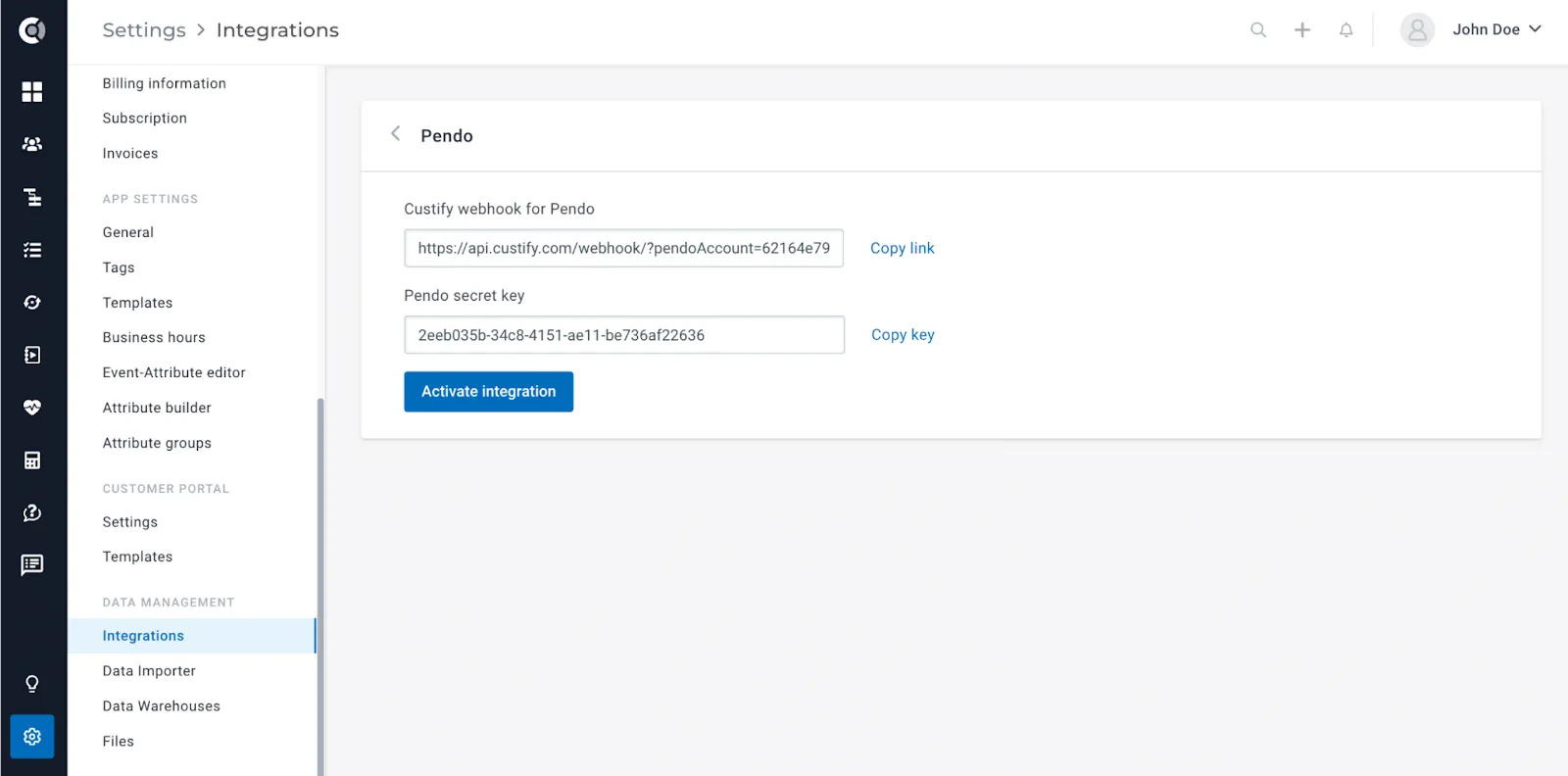
- Sign in to your Custify account and navigate to Settings > Integrations section.
- Click on Pendo > Activate Integration > Copy the Custify Webhook URL and the Pendo Secret Key and use them to generate the URL Webhook in Pendo.
- Go to Pendo and generate the URL Webhook. Pendo documentation can be accessed here.
- Pendo data will start flowing in.
Things to keep in mind
- Users and companies have to exist first in Custify. Pendo will not create new accounts, it will only bring events for the companies and people that already exist.
- The matching between the systems is based on visitor ID for people (so you will have to have these IDs available in Custify for the Pendo data to be correctly mapped).
- After enabling the integration, Custify will begin importing all new Pendo events generated from that point onward. This means that historical Pendo data before the integration won’t be available in Custify. It’s essential to be aware of this when analyzing your data.
- Page calls are not accepted by this integration.