Grain
The Grain integration automatically enriches your calendar meetings in Custify with recording data from Grain. When you record a meeting using Grain, Custify finds the matching meeting and adds the recording link, AI-generated summary, action items, key topics, and decisions to it.
Important: This integration does NOT create new meetings in Custify. It only enriches meetings that were already imported from your Gmail or Outlook calendar integration.
What This Integration Does
- Finds the matching meeting in Custify when a Grain recording is ready
- Adds the recording URL, AI-generated intelligence notes, start/end times, duration, and thumbnail to the meeting
- Optionally creates a Note in Custify with the full AI summary, linked to the relevant company or contact
- Works in real time via webhooks - meetings are enriched as soon as Grain finishes processing
Data Added to Meetings
Data from Grain | Where it appears in Custify |
|---|---|
Recording URL | Meeting field: Recording link |
AI overview / summary | Meeting intelligence notes |
Action items | Meeting intelligence notes |
Key topics discussed | Meeting intelligence notes |
Decisions made | Meeting intelligence notes |
Recording start and end times | Meeting metadata |
Recording duration | Meeting metadata |
Thumbnail URL | Meeting metadata |
Full AI summary (optional) | New Note linked to company or contact |
Before You Begin
Make sure you have the following before connecting Grain to Custify:
- An active Grain account with at least one recorded meeting
- Your Grain personal access token (available in Grain under Settings → Integrations → API)
- The Gmail or Outlook calendar integration must already be connected in Custify - Grain enriches existing calendar meetings only
- Admin or integration settings access in Custify
How to Set Up the Integration
Step 1: Get Your Grain API Key
- Log in to your Grain account at grain.com
- Go to Settings → Integrations → API
- Generate or copy your personal access token
Step 2: Configure the Integration in Custify
- In Custify, go to Settings → Integrations
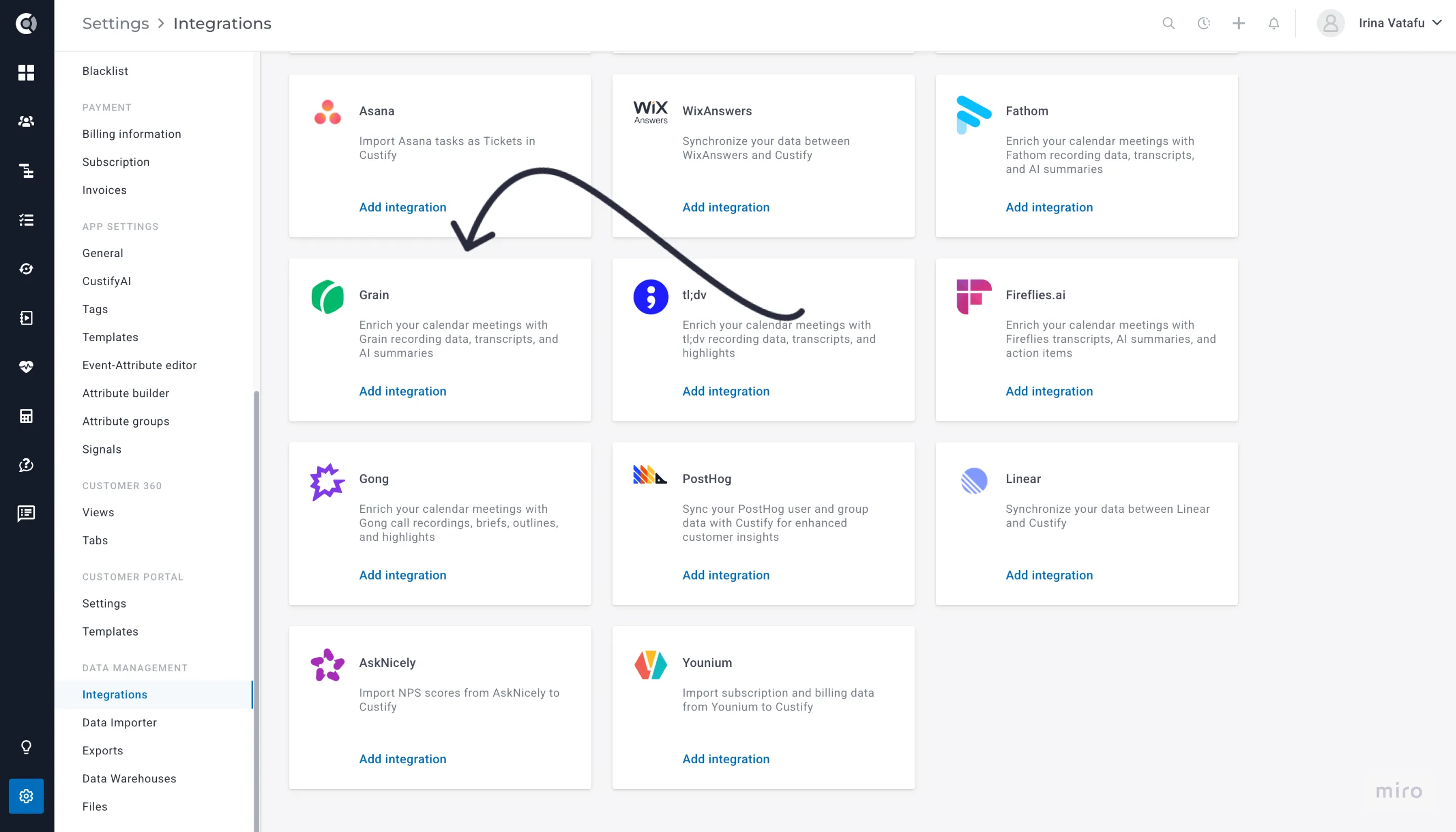
- Find Grain in the list and click to expand the configuration panel
- Paste your Grain API key into the API Key field
- Optionally enable Import AI Summary as Note if you want Grain summaries to appear as Notes in Custify
- Click Save settings
Step 3: Automatic Webhook Setup
That's it! Once you save your API key, Custify automatically creates a webhook in your Grain account and configures it to send recording data in real time. No further action is needed.
Tip: Record your next meeting in Grain and check the matching Custify meeting shortly after - it will be automatically enriched with recording data and AI notes.
How Meeting Matching Works
The integration uses a three-step approach to find the right meeting in Custify for each Grain recording:
- Participants - Custify checks if any meeting participants match contacts or companies already in Custify
- Time window - The recording start time must fall within 15 minutes of the calendar meeting time. This accounts for meetings that start slightly early or late
- Title - The meeting title from Grain is compared with the Custify meeting title using fuzzy matching
Participants are matched using three levels: the contact's primary email, any secondary email addresses configured in your calendar integration, and the company domain (derived from the email address).
A meeting will only be enriched if it already exists in Custify and at least one participant is a known contact or company.
Sync Types
Real-Time Webhooks - The primary sync method. Grain notifies Custify the moment a recording is ready. The matching meeting is enriched within seconds.
Full Sync - Imports all historical Grain recordings and enriches any matching meetings. Runs once on first activation and can be triggered manually. Already-enriched meetings are skipped automatically.
Incremental Update - Looks back 48 hours for any recordings that may have been missed. Runs automatically on a regular schedule.
Troubleshooting
Meeting Not Enriched After Recording?
- Check that the meeting exists in Custify - only calendar meetings imported from Gmail or Outlook can be enriched
- Check that at least one participant is a contact or company in Custify
- Check the time gap - the recording must start within 15 minutes of the scheduled meeting time
- Check if the meeting was already enriched - look for a Recording link on the meeting in Custify
Webhook Not Working?
- Verify that the integration is still active in Custify
- Confirm your Grain API key is still valid
- Run a manual Update sync from integration settings to catch any missed recordings
Need to Re-sync All Recordings?
- Go to Grain integration settings in Custify
- Run a Full Sync to re-import all recordings
- Already-enriched meetings are skipped - only new matches will be updated
Privacy and Security
Only the recordings you have access to in Grain are processed. Recording files remain stored in Grain - Custify only stores the recording link and associated metadata.
Your Grain API key is stored encrypted in Custify and is never shared with third parties. It is used solely to authenticate with Grain's API and set up the webhook.
Access to enriched meeting data in Custify follows the same permissions as other meeting and company data.